Recognized by top app review and tech websites worldwide!




Clarity that helps you parent calmly.
Kupola turns everyday signals into simple summaries so you can notice patterns, have better conversations, and adjust routines with confidence.

Guide, don’t guess
Spot patterns early instead of reacting late.

Actionable, not overwhelming
See what changed and what to do next.


Respectful by design
Built for trust and healthier habits, not spying.

Context when you need it
Check history for clarity, not constant monitoring.
Built for the questions parents ask in real life.
These are the moments when safer defaults matter most, including search, links, curiosity clicks, and “just one video” spirals.
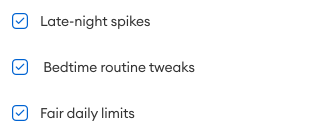
Bedtime drift

See evening usage patterns and adjust routines without arguing.

new apps on the phone
See installed apps so you can catch risky downloads and talk about them.

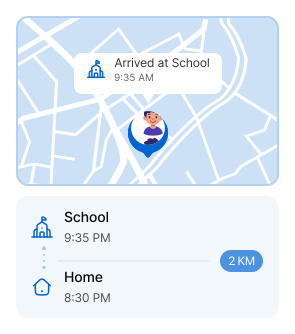
Where were they after school?
Review location history when you need context for a specific day.

Homework is taking forever
Identify the apps that steal focus during study time.
- distraction-heavy apps • after-school usage trends • better study blocks
Positive progress
Kids explore faster filters, which help make exploration safer.
Three views that make patterns obvious.
Open Insights when you need answers, not all day. Kupola keeps it clear and easy to act on.
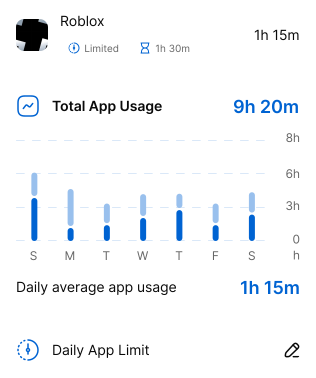
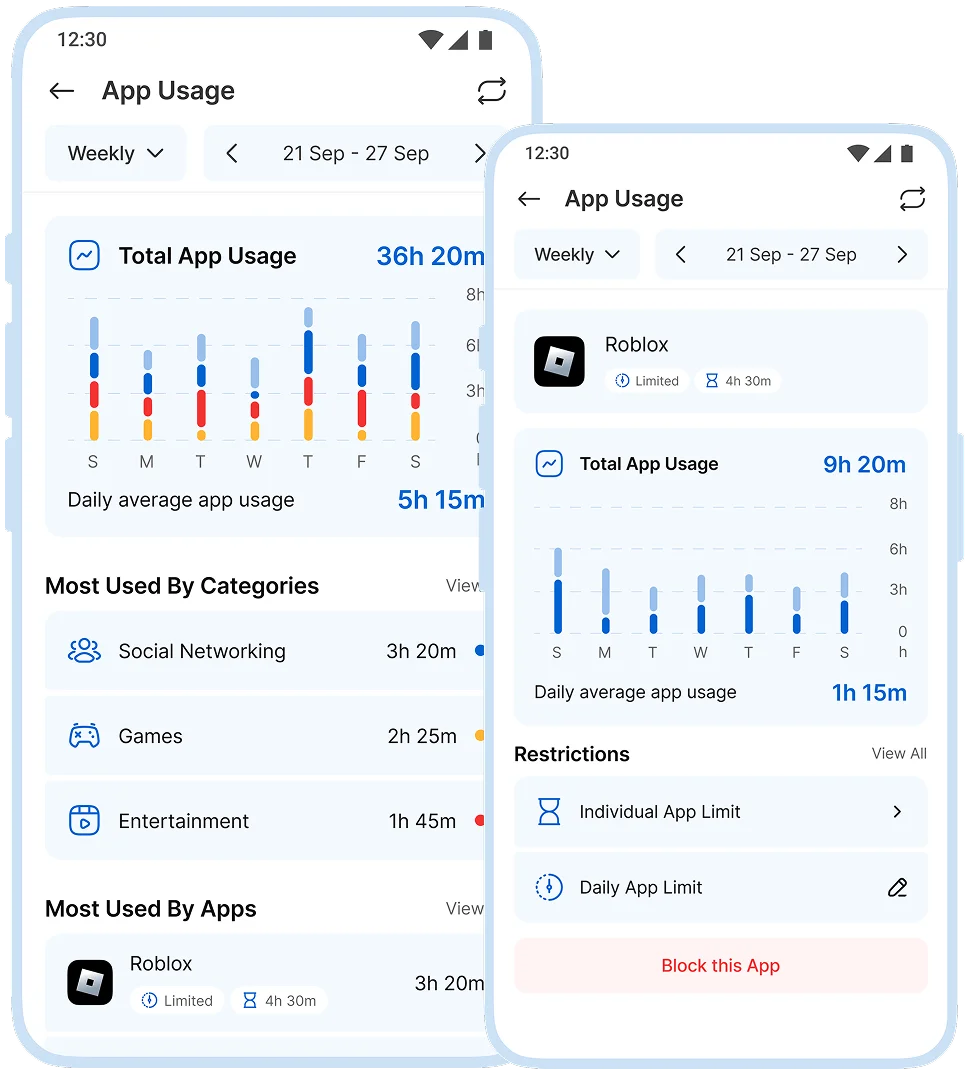
Understand daily patterns at a glance
See how phone time changes across the day and week—so you can make small, fair adjustments that stick.
 Find the “problem window”
 Spot top distractions
 Compare weekdays vs weekends
 Measure what’s improving
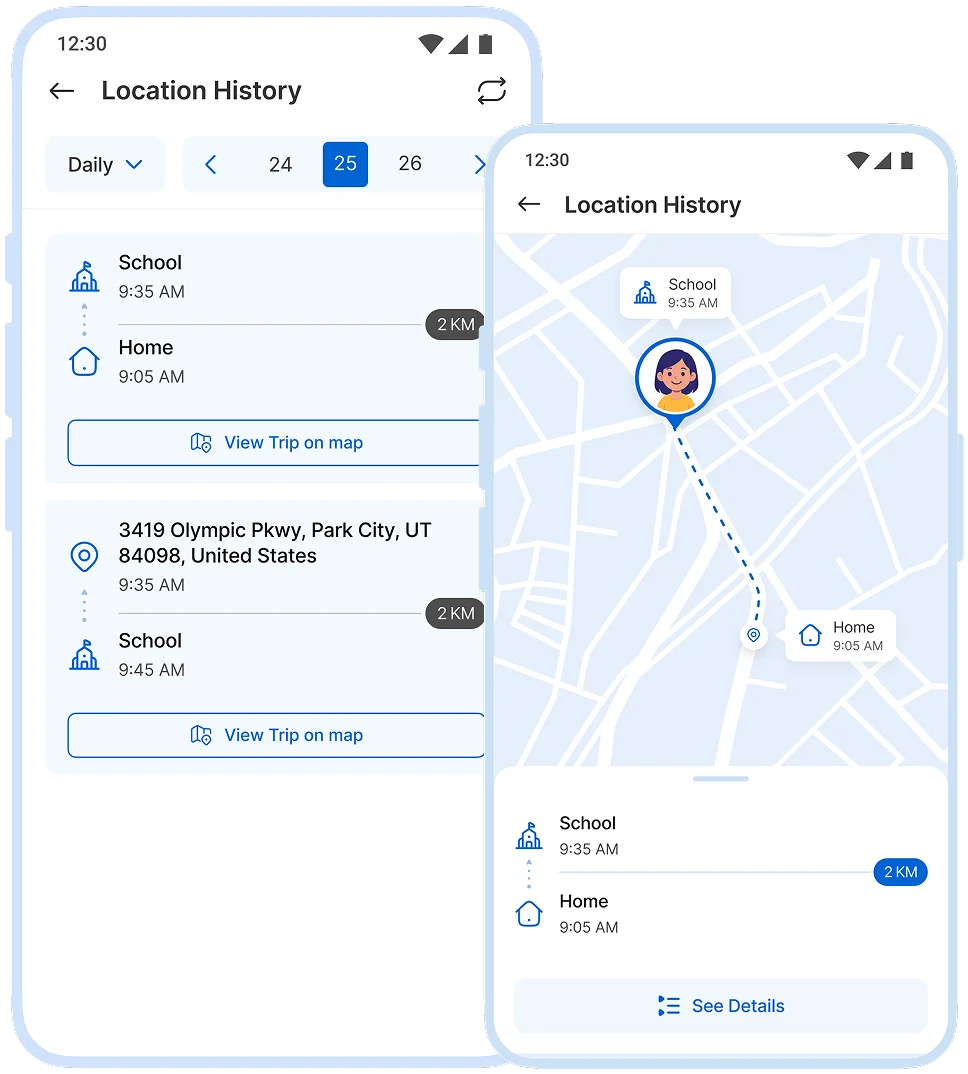
Context for the days that need it
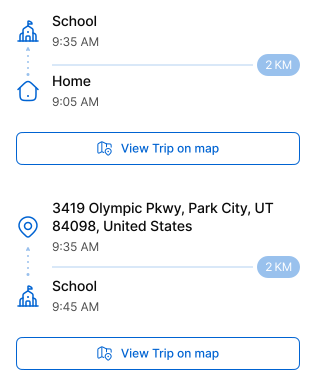
Review past locations when you need clarity around a time window helpful for pickups, commutes, and schedule changes.
 confirm a route
 explain a late arrival
 check a specific day
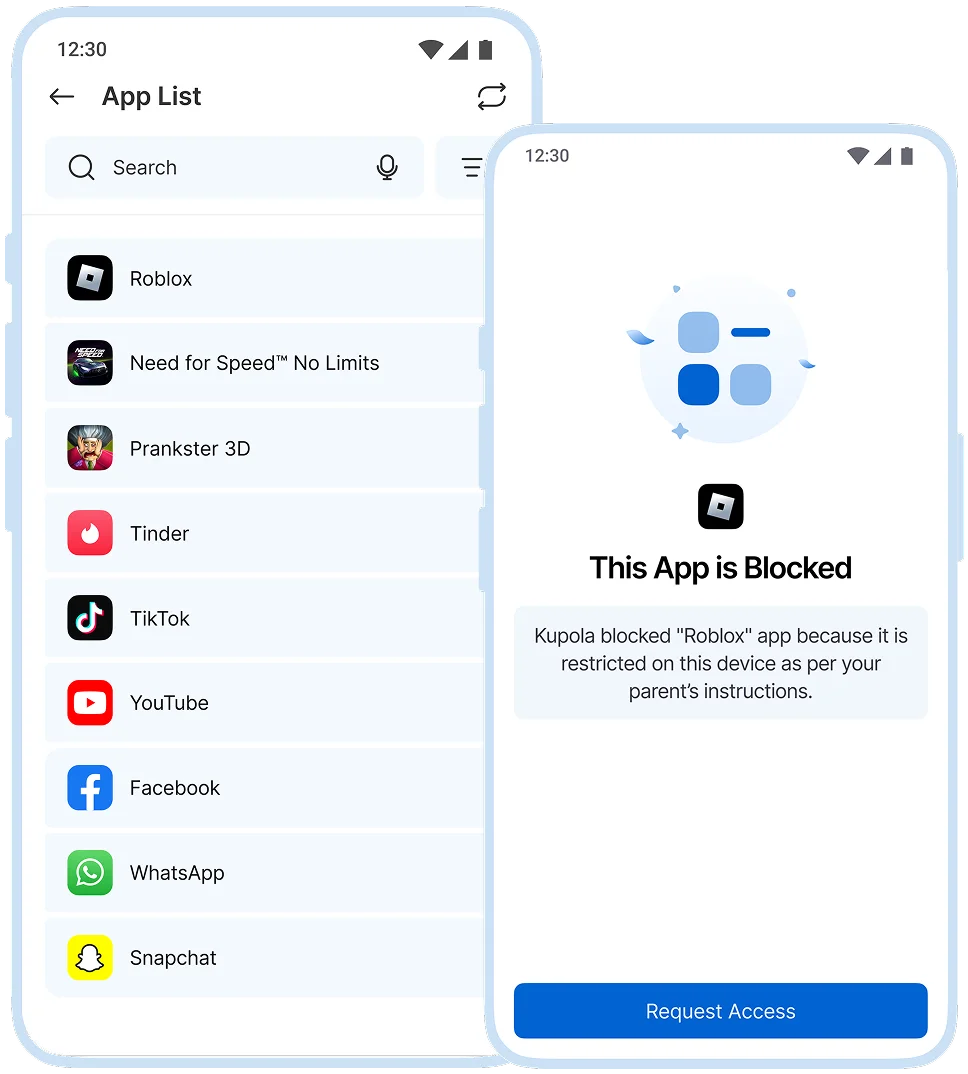
See what’s installed before it becomes a problem
Review installed apps to spot new downloads and talk about safety early, without accusations.
 Catch surprise installs
 Confirm age-appropriateness
 Spot duplicate “workarounds”
 Notice sudden app shifts
Insights are meant to support conversations and better routines, not to replace trust.
Turn information into decisions.
Most families check Insights once a day or a few times a week then adjust one thing at a time.
Pick a question
Bedtime, homework, a new app, or a specific day start with one concern.

Check the view
Usage for patterns, location history for context, app list for new installs.

Adjust one setting
Update a schedule, limit, or block small changes work best.

Talk it through
Use insights to explain fairness and expectations, not to “catch” mistakes.

Set up in Minutes.
Three steps on two phones, and your family is connected today.
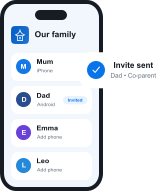 ~1 min
Get Kupola on your phone
Create your family and invite a co-parent or guardian.
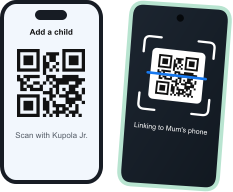 ~2 min
Link your child's phone
Install Kupola Jr. and scan the QR code. Kupola shows what's supported on that phone.
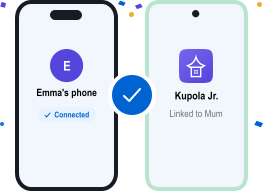 Done
DoneYou're all set
Your family is connected. Turn on the features you need, whenever you're ready.


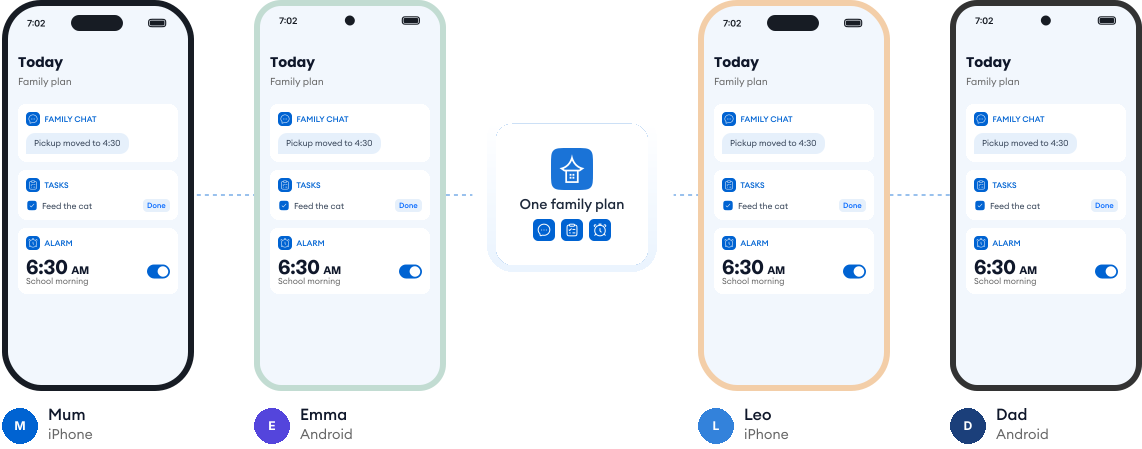
Works on every phone in your family.
Most families use a mix of phones. Kupola works across iPhone and Android, so everyone stays on the same page, and you always see what's available on each child's phone.
Loved by families for harmony.
Real reviews from parents using Kupola day to day.
Sarah M. Mom of two
I finally feel in the loop without checking every little thing. Kupola gives me the right updates at the right time.
Michael R. Dad of a teen
The setup was simple, and the routines actually stuck. It makes expectations clearer for everyone.
Jessica B. Mom & co-parent
We don’t always have the same schedule, but Kupola helps us stay on the same page without extra back-and-forth.
Chris T. Dad of a middle-schooler
I like that it focuses on patterns instead of constant monitoring. It gives me something useful to act on.
Amanda L. Parent of two
The controls are easy to understand, and my kids know what to expect. It’s brought a lot more consistency to our days.
Brian W. Guardian of a teen
I wanted something practical, not intrusive. Kupola gives me the important alerts while still giving them room to grow.
Sarah M. Mom of two
I finally feel in the loop without checking every little thing. Kupola gives me the right updates at the right time.
Michael R. Dad of a teen
The setup was simple, and the routines actually stuck. It makes expectations clearer for everyone.
Jessica B. Mom & co-parent
We don’t always have the same schedule, but Kupola helps us stay on the same page without extra back-and-forth.
Have a question?
Everything you need to know about how Kupola works, what it does, and how you stay in control.
Do I need to check Insights every day?
No. Insights are there when you need them, not something you have to check daily. They’re designed to give a quick overview, so you can stay informed without constant monitoring.
Is this “spying”?
No. Kupola Insights are about understanding patterns, not watching every action. Information is presented clearly and openly, helping start healthy conversations rather than secret monitoring.
What should I do if I see a sudden change?
No. Attention Mode is temporary. You can pause your child’s device when focus is needed—like during homework or dinner and resume access anytime with one tap.
Can I see new apps that were installed?
Yes. Kupola shows newly installed apps, so nothing comes as a surprise and you can review them together if needed.
Privacy-first by design.
We prioritize privacy with GDPR and COPPA compliance, strong security practices, and clear controls that keep families in charge.

Compliance you can trust
Built with GDPR and COPPA requirements in mind to protect families and children’s data.

Encryption for sensitive data
Data is protected with encryption to reduce the risk of unauthorized access.

Access stays in your family
Child information is only visible to approved parents/guardians in your Kupola family.

Control anytime
Adjust what’s shared, change settings, and manage permissions whenever you need.

Data minimization
We collect only what’s necessary to deliver family safety, routines, and insights.

Clear retention & deletion
Manage history and request deletion when you no longer need the service.
