Frequently Asked Questions
Answers to the most common questions about how our app works and how it keeps your child safe.
Block harmful websites and unsafe content so your child can learn, play, and grow in a safer digital space.


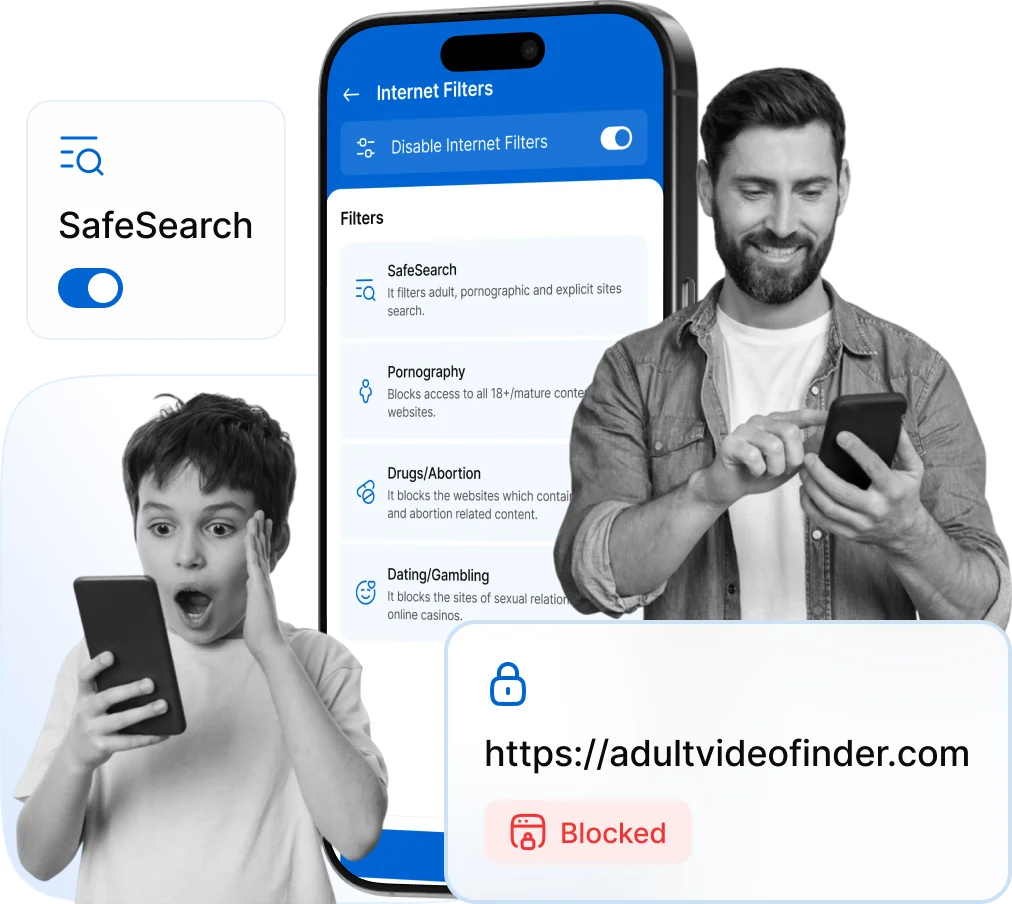

accidentally access explicit or harmful content online.

have no filters on the websites they visit daily.

Kids exposed to violent content may develop behavioral issues.
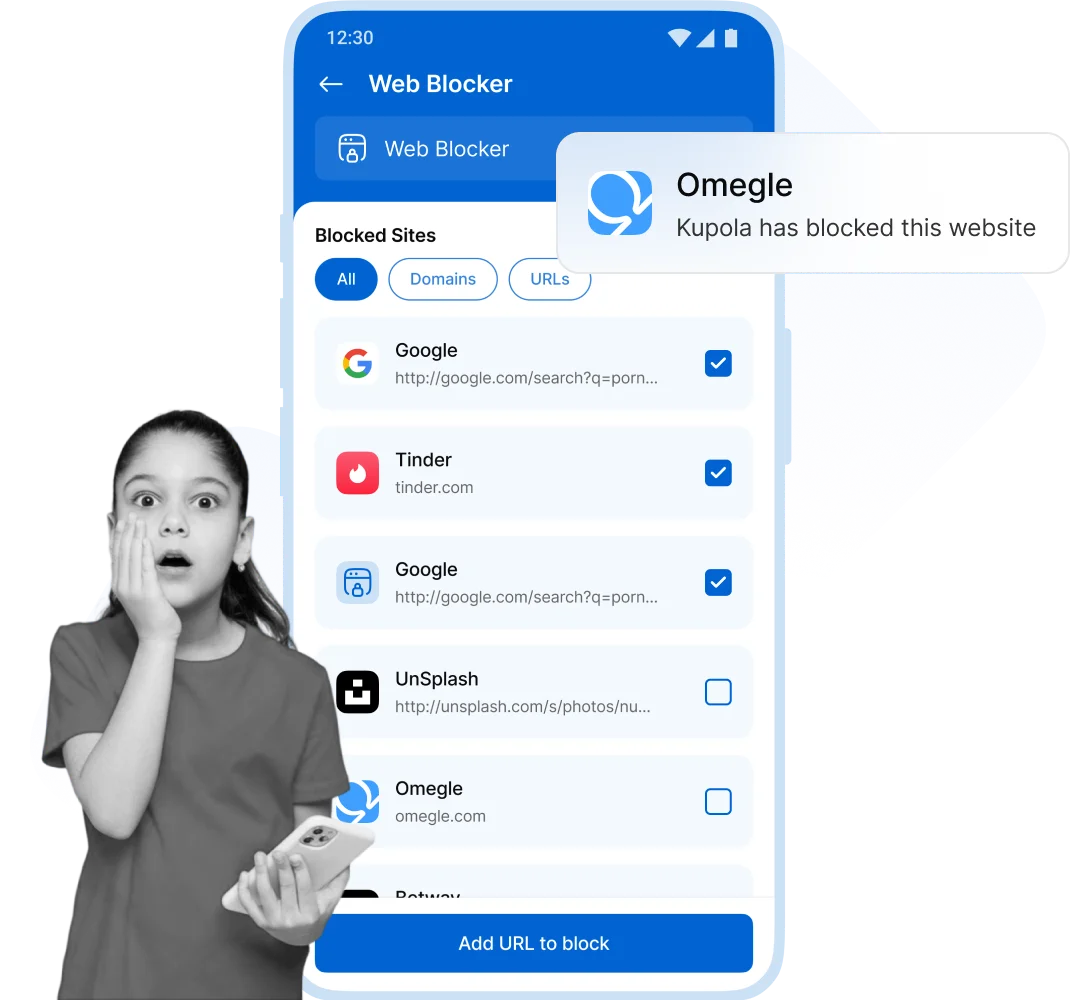
Internet Filter helps protect kids by blocking inappropriate websites, filtering dangerous content, and creating a safer, more focused environment for learning and play.
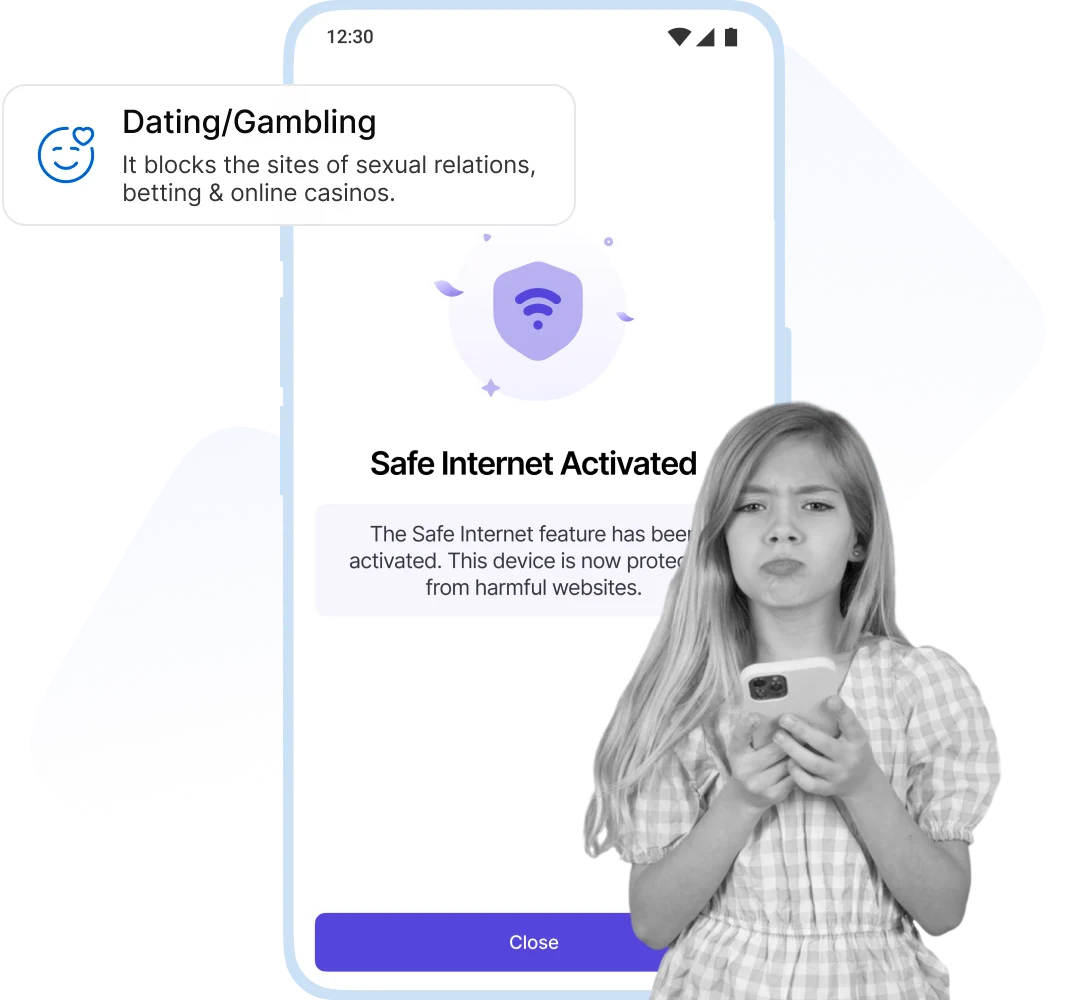
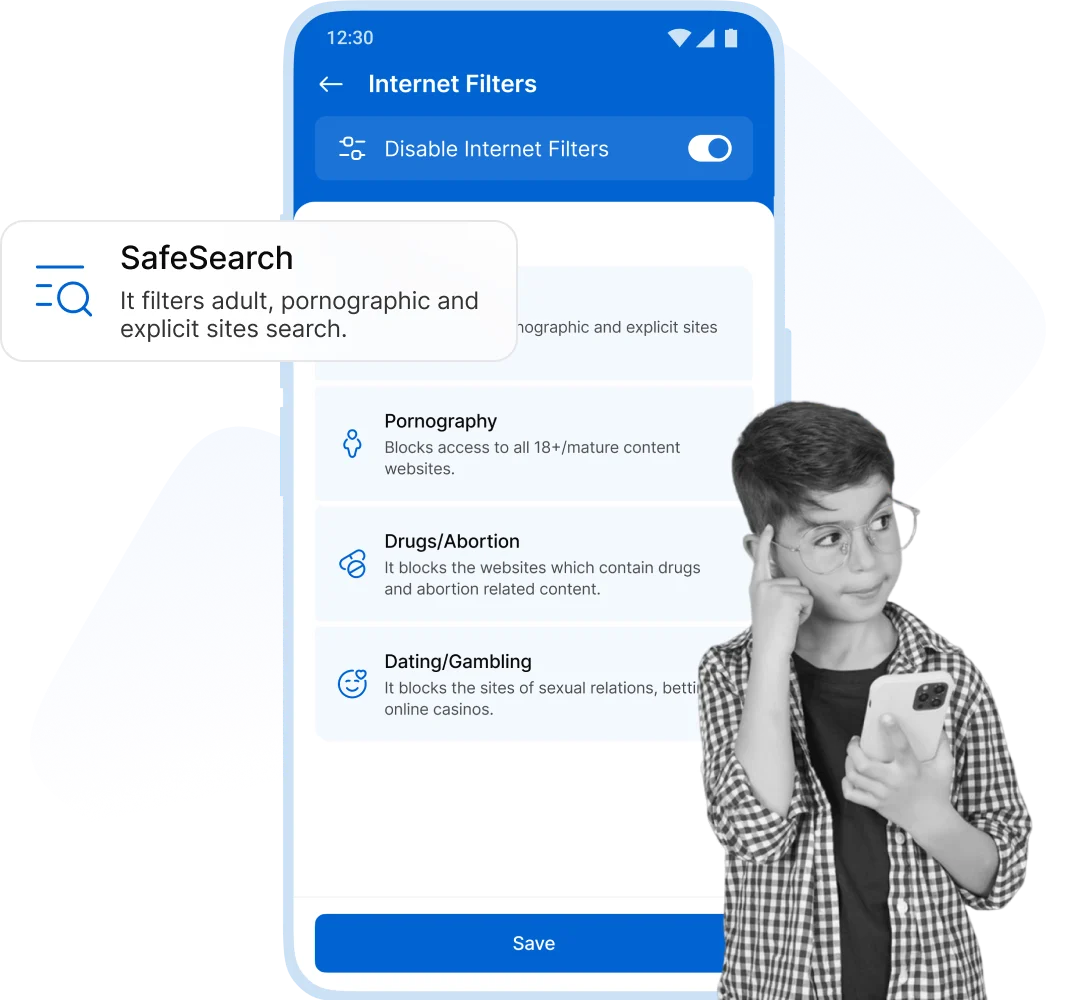
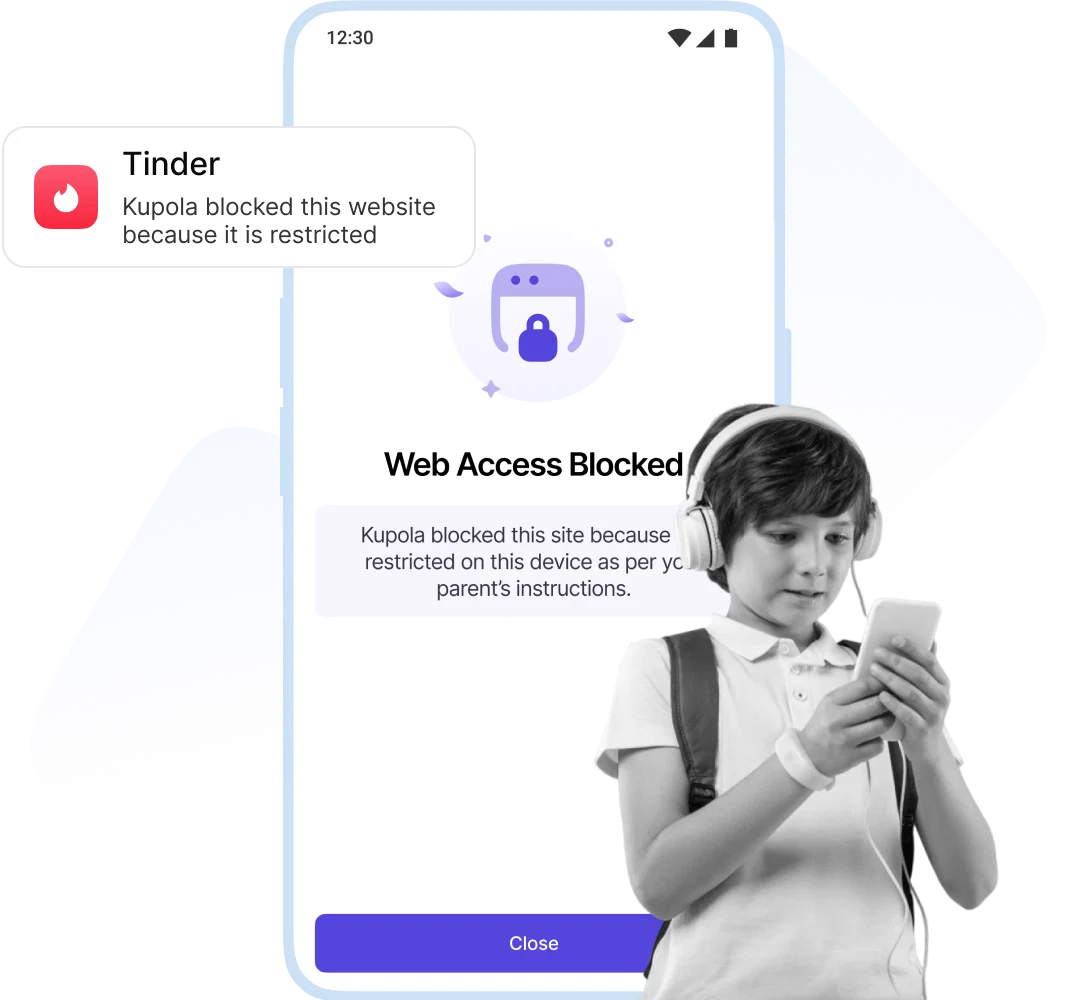
Support your child’s learning and development in a connected world, while staying confidently in control of their digital safety and screen habits.
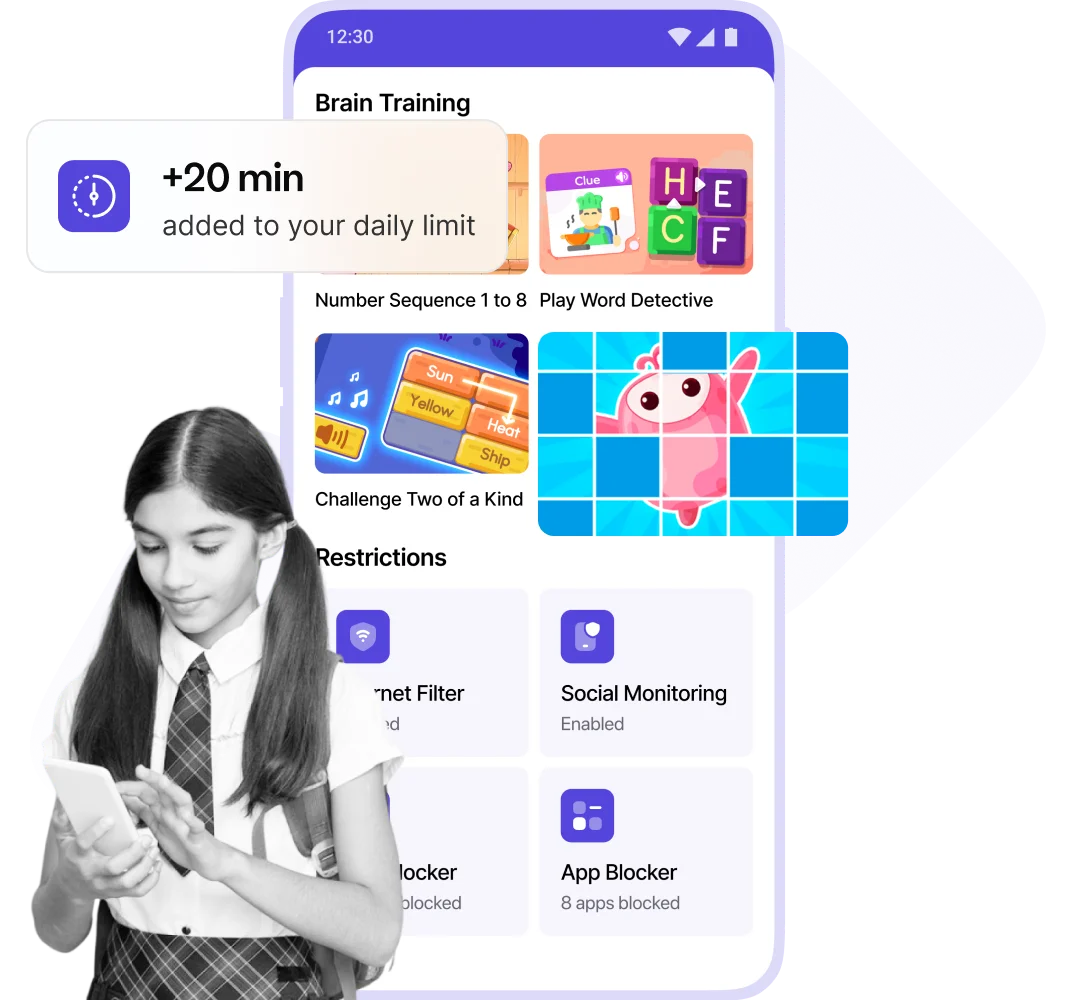
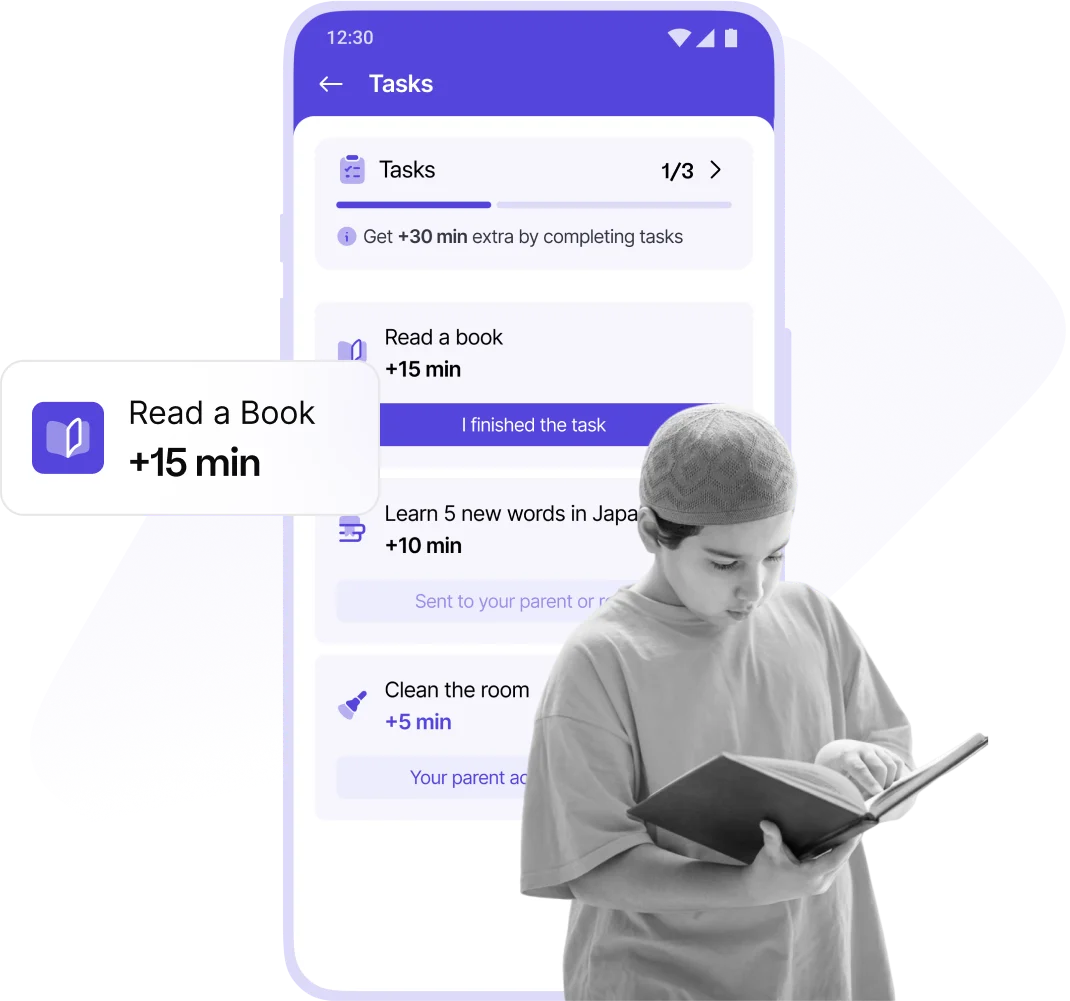
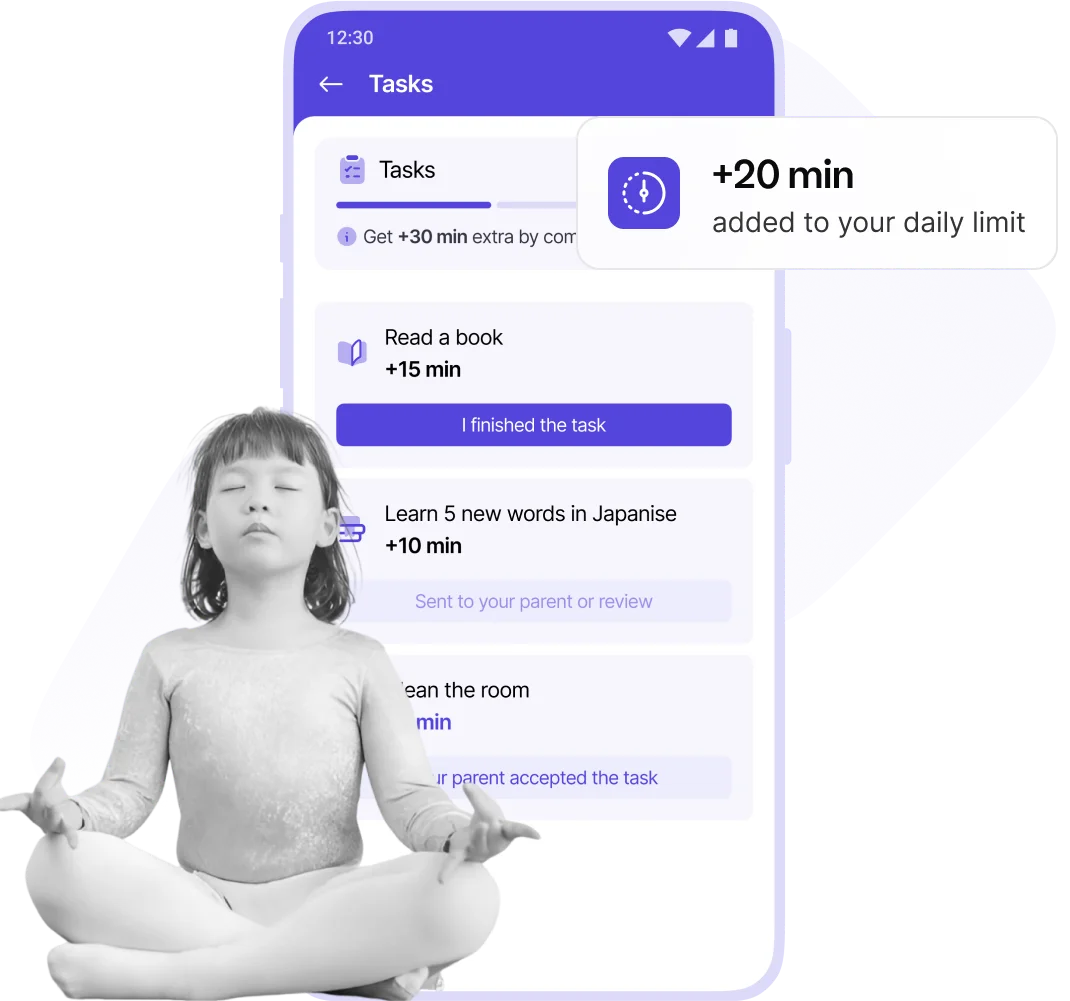
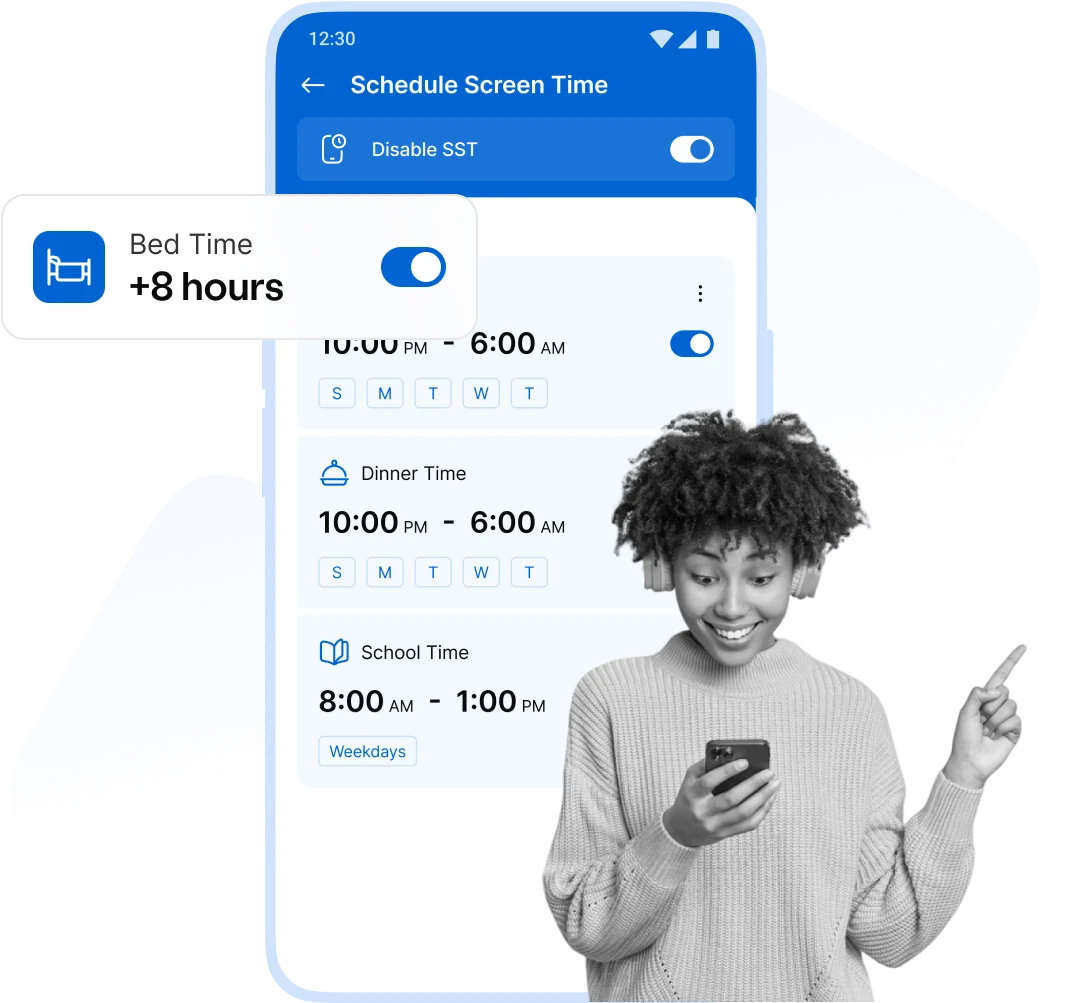

Kids can earn fun phone time by completing our exciting, brain development tasks!

Create fun tasks for your child and reward them with bonus phone time!

Complete exercise tasks to build muscle, boost aerobic health, strengthen bones, and earn extra screen time!

Empowering kids to earn screen time through learning, exercise, and responsibility for a healthy, balanced lifestyle.


Awesome app! My 5-year-old's iPad time is finally under control. Setting limits was quick and easy, and now there are no more arguments over cartoons! I highly recommend Kupola as the best iOS parental control app.

Fantastic app! We've been using the Kupola parental control app on android phones for a few months, and it's made a huge difference in managing screen time and motivating our kids. Thank you!
Awesome app! My 5-year-old's iPad time is finally under control. Setting limits was quick and easy, and now there are no more arguments over cartoons! I highly recommend Kupola as the best iOS parental control app.
Fantastic app! We've been using the Kupola parental control app on android phones for a few months, and it's made a huge difference in managing screen time and motivating our kids. Thank you!


Answers to the most common questions about how our app works and how it keeps your child safe.
The Internet Filter automatically blocks inappropriate websites and lets you control your child’s web access by category or specific URLs.
Yes! Kupola lets you block entire categories such as adult content, gambling, gaming, or social media.
Absolutely. You can whitelist or blacklist any website from your parent dashboard with web blocker.
Yes, Kupola’s web filtering works across most major browsers. We recommend enabling safe browsing settings for best results.
No — once activated, the filter prevents access to blocked content. Parents have full control over changes.
Kupola is optimized for performance and works in the background without noticeably affecting browsing speed.
