Recognized by top app review and tech websites worldwide!




Better online defaults, calmer parenting.
Kupola helps families reduce exposure to risky content and search results with simple filters, so you can guide gradually rather than react constantly.

Protect without panic
Reduce harmful content without resorting to fear-based parenting.


Clear and changeable
See what’s active and update anytime.

Age-appropriate
Adjust rules by stage, not all at once.

Balanced by design
Safer browsing without blocking learning tools.
Built for the ways kids actually use the internet.
These are the moments when safer defaults matter most, including search, links, curiosity clicks, and “just one video” spirals.
Homework searches

Keep search results cleaner so learning stays on track.

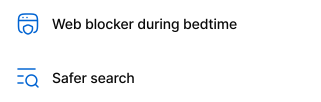
Late-night browsing
Combine routines with safer browsing for healthier nights.
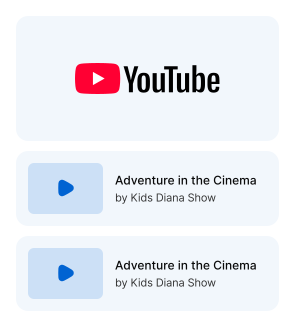
YouTube and video rabbit holes
Reduce risky content paths that start with one harmless video.

Social links & shared content
Kids tap into what friends share. Filters help prevent surprises.
- block unsafe domains • safer browsing defaults • unblock when appropriate
New curiosity topics
Kids explore faster filters, which help make exploration safer.
Three tools that work together.
Start with SafeSearch for cleaner results, add filters for broader protection, and use the Web Blocker for specific boundaries.
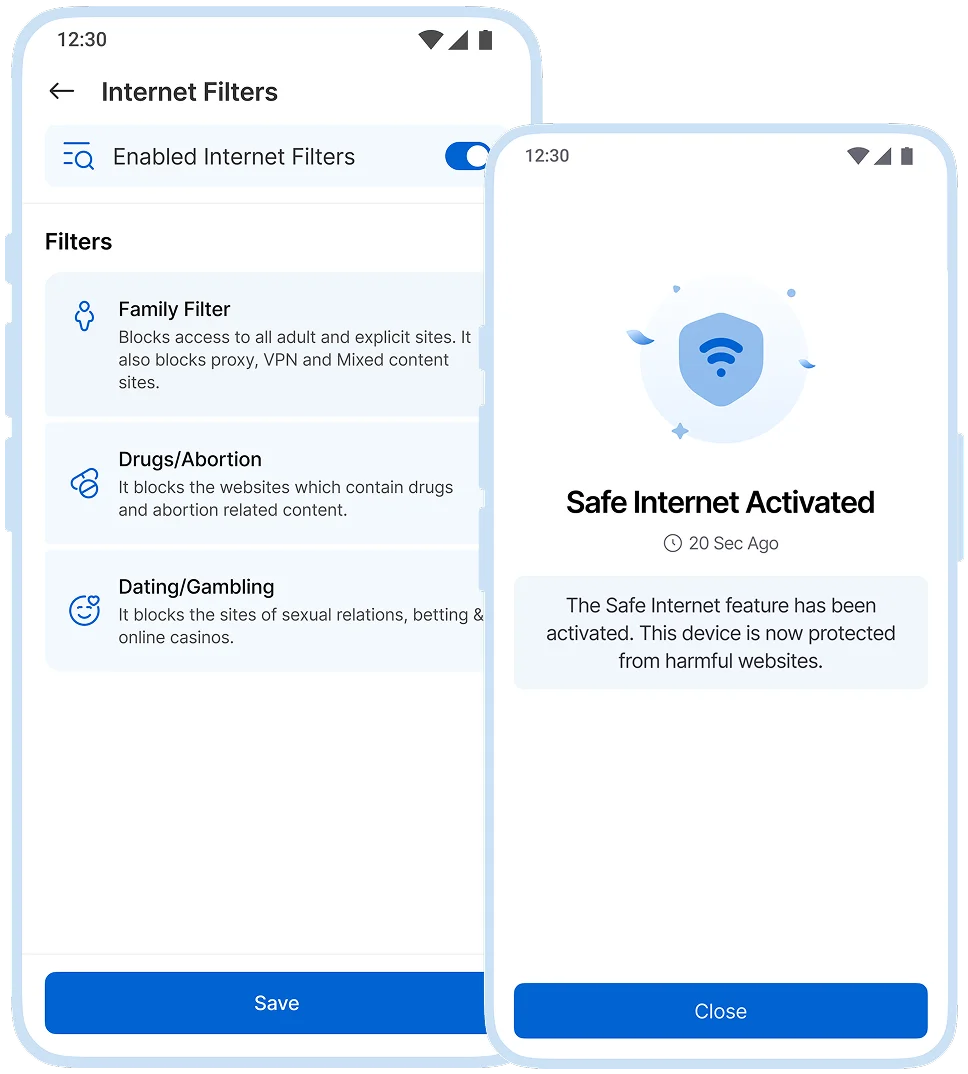
Reduce harmful content
Filters help block inappropriate categories and risky sites so kids can browse with fewer surprises.
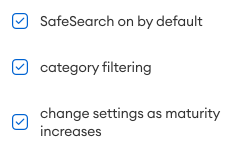
 age-appropriate browsing
 reduce explicit content
  Which pickup point are they at?
 safer defaults for everyday use
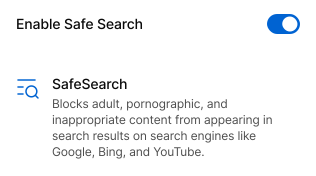
Cleaner search results by default
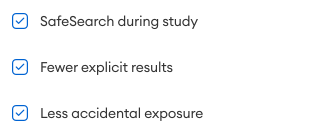
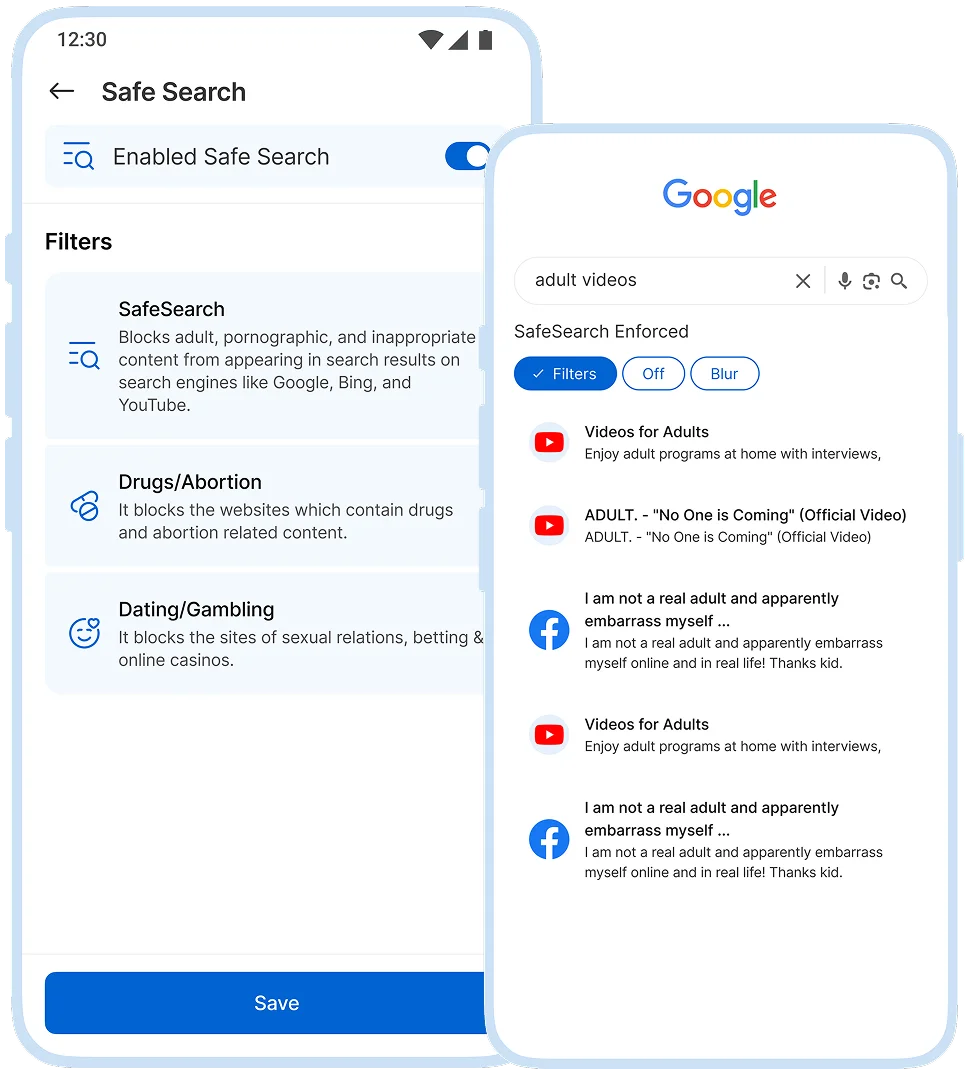
SafeSearch helps keep explicit results out of search results, especially useful for study, curiosity, and daily browsing.
 schoolwork searches
 general curiosity
 ewer “accidental” results
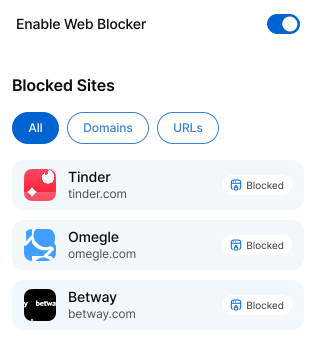
Block specific sites in one tap
Quickly block specific websites you don’t allow or those that derail routines.
 block a harmful site
 block distractions during homework
 adjust anytime as needs change
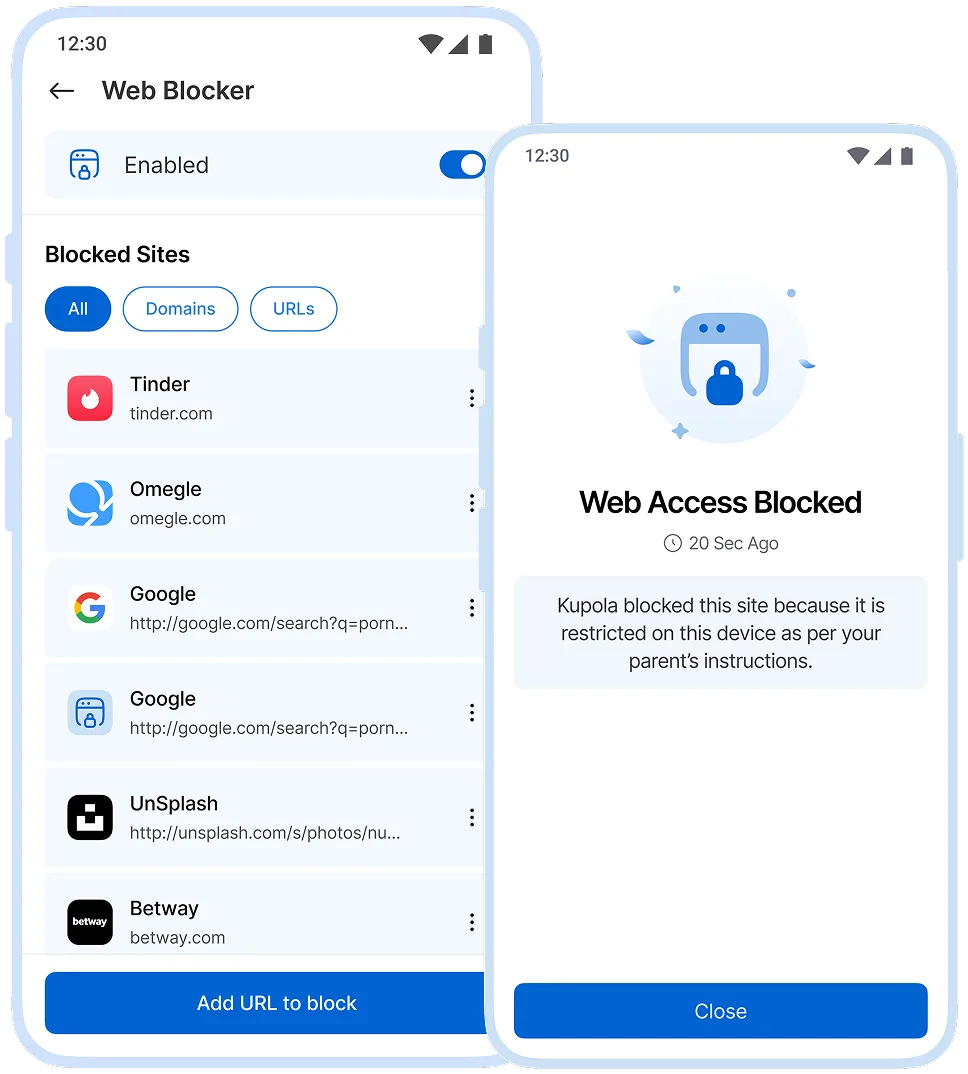
No filter is perfect. Kupola is designed to reduce exposure and make safer defaults easier to use while you stay in control.
Set safer browsing in minutes.
Most families start with SafeSearch, then add filters and block a few problem sites over the first week.
Turn on SafeSearch
Start with cleaner search results for homework and everyday browsing.

Enable Internet Filters
Choose protection levels that match your child’s age and needs.

Add Web Blocker rules
Block specific websites you don’t allow or that cause repeated issues.

Review and adjust
Adjust settings easily as your child grows, without needing to redo the setup.

Set up in Minutes.
Three steps on two phones, and your family is connected today.
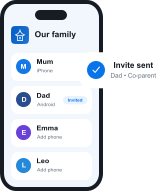 ~1 min
Get Kupola on your phone
Create your family and invite a co-parent or guardian.
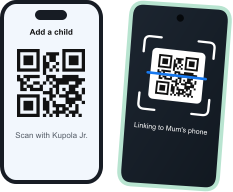 ~2 min
Link your child's phone
Install Kupola Jr. and scan the QR code. Kupola shows what's supported on that phone.
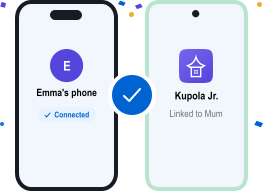 Done
DoneYou're all set
Your family is connected. Turn on the features you need, whenever you're ready.



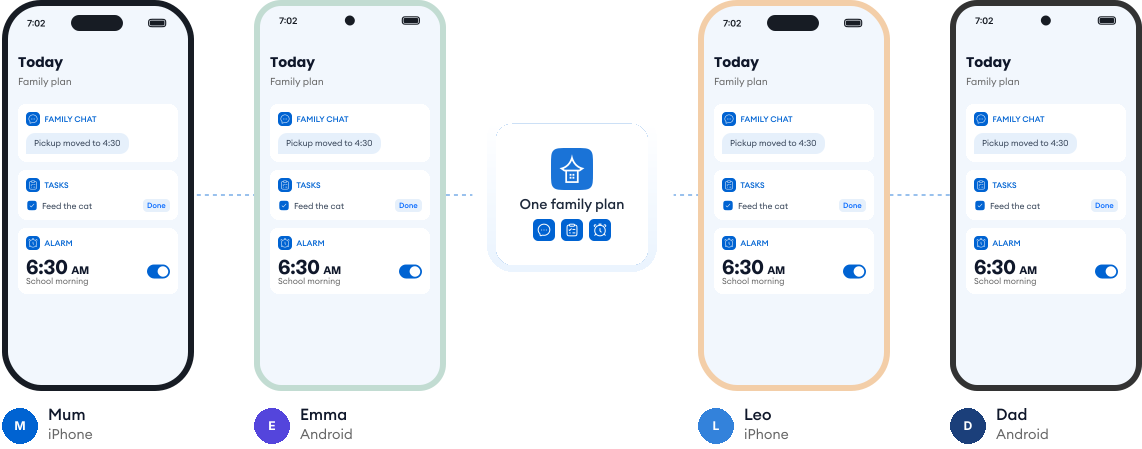
Works on every phone in your family.
Most families use a mix of phones. Kupola works across iPhone and Android, so everyone stays on the same page, and you always see what's available on each child's phone.
Loved by families for harmony.
Real reviews from parents using Kupola day to day.
Sarah M. Mom of two
I finally feel in the loop without checking every little thing. Kupola gives me the right updates at the right time.
Michael R. Dad of a teen
The setup was simple, and the routines actually stuck. It makes expectations clearer for everyone.
Jessica B. Mom & co-parent
We don’t always have the same schedule, but Kupola helps us stay on the same page without extra back-and-forth.
Chris T. Dad of a middle-schooler
I like that it focuses on patterns instead of constant monitoring. It gives me something useful to act on.
Amanda L. Parent of two
The controls are easy to understand, and my kids know what to expect. It’s brought a lot more consistency to our days.
Brian W. Guardian of a teen
I wanted something practical, not intrusive. Kupola gives me the important alerts while still giving them room to grow.
Sarah M. Mom of two
I finally feel in the loop without checking every little thing. Kupola gives me the right updates at the right time.
Michael R. Dad of a teen
The setup was simple, and the routines actually stuck. It makes expectations clearer for everyone.
Jessica B. Mom & co-parent
We don’t always have the same schedule, but Kupola helps us stay on the same page without extra back-and-forth.
Have a question?
Everything you need to know about how Kupola works, what it does, and how you stay in control.
Is SafeSearch enough on its own?
SafeSearch is a helpful first layer, but it works best when combined with Kupola’s website filters and app controls. Together, they create clearer boundaries and more consistent protection.
Can I block one website immediately?
Yes. You can block a specific website instantly from the parent device. The change applies right away and can be undone anytime.
Will filters block everything harmful?
No filter can block everything. Kupola is designed to reduce exposure and add clarity, not promise perfection. Filters work best alongside clear rules and open conversations.
Can I change settings as my child gets older?
Absolutely. All filters and rules are easy to adjust anytime. As your child grows, you can relax or update settings to match their age and maturity.
Does this work on iOS and Android?
Yes. Kupola works on both iOS and Android, with the same core filtering and control features available on each platform.
Privacy-first by design.
We prioritize privacy with GDPR and COPPA compliance, strong security practices, and clear controls that keep families in charge.

Compliance you can trust
Built with GDPR and COPPA requirements in mind to protect families and children’s data.

Encryption for sensitive data
Data is protected with encryption to reduce the risk of unauthorized access.

Access stays in your family
Child information is only visible to approved parents/guardians in your Kupola family.

Control anytime
Adjust what’s shared, change settings, and manage permissions whenever you need.

Data minimization
We collect only what’s necessary to deliver family safety, routines, and insights.

Clear retention & deletion
Manage history and request deletion when you no longer need the service.
