Frequently Asked Questions
Answers to the most common questions about how our app works and how it keeps your child safe.
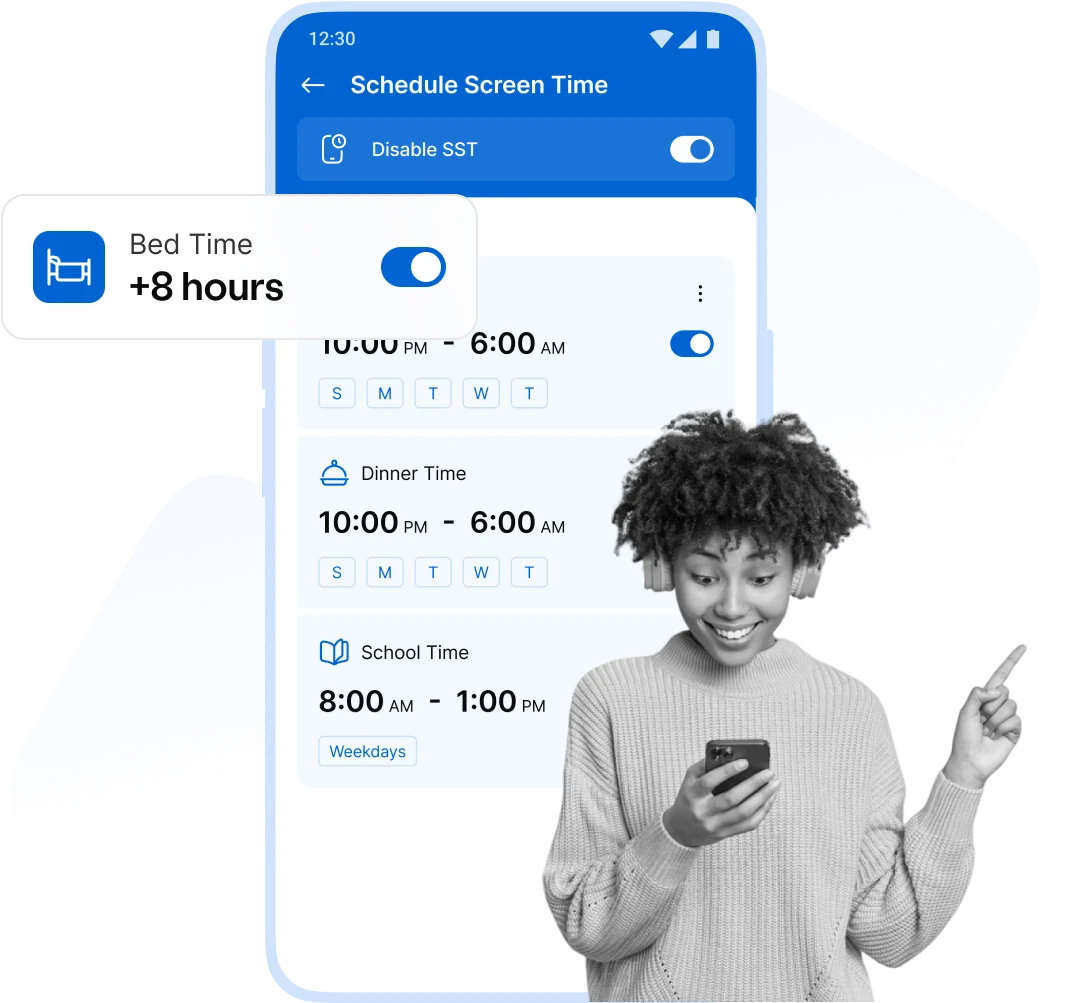
Track your kid's screen time, Set the daily time limits and schedules, and maintain healthy smartphone habits.


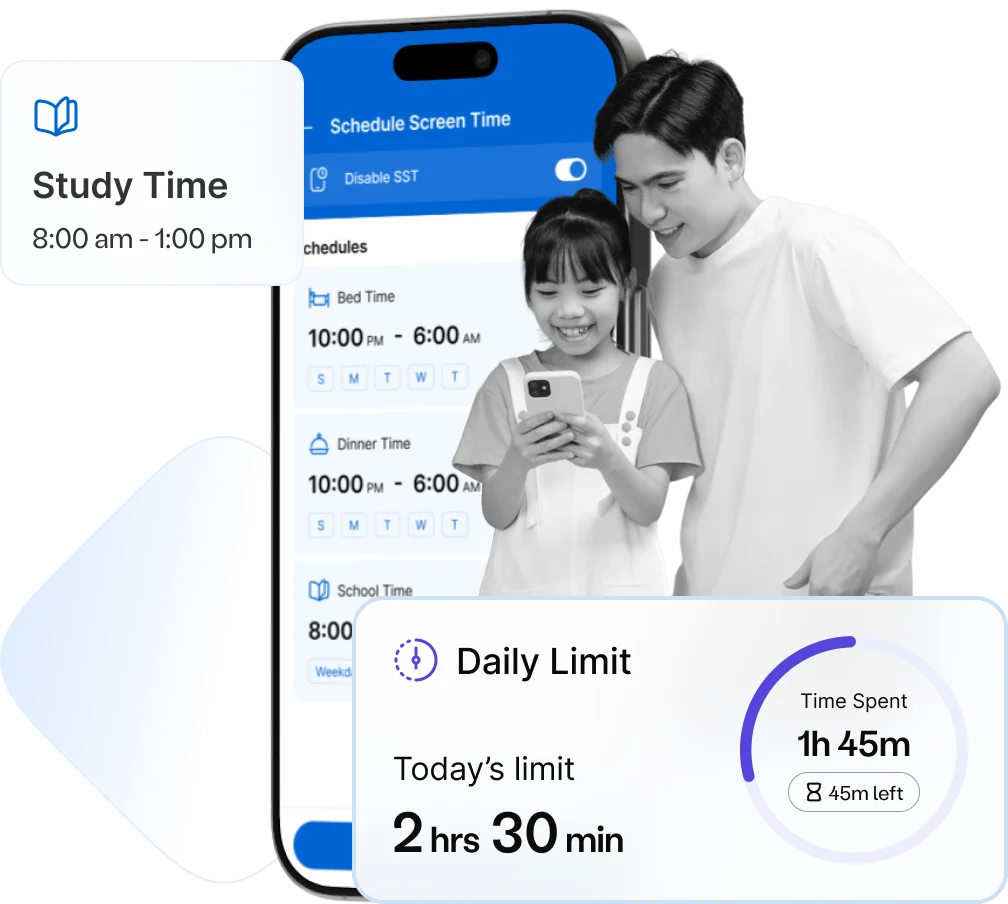

Spend an average of 7.5 hours a day on their phones.

Kids' moods swing when told to stop using their phones.

see kids behaviour issues due to excessive phone usage.
Help your child thrive by setting healthy screen time limits and encouraging off-screen exploration.
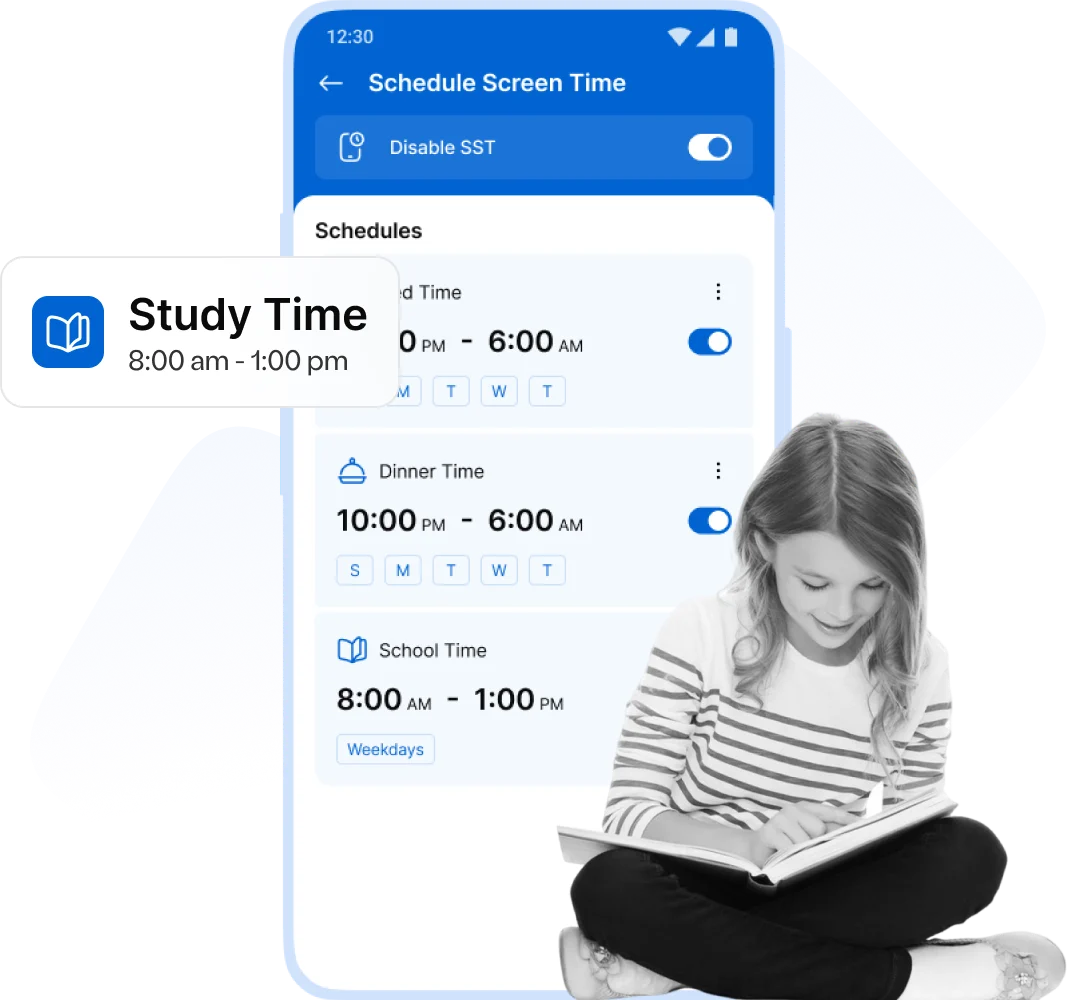
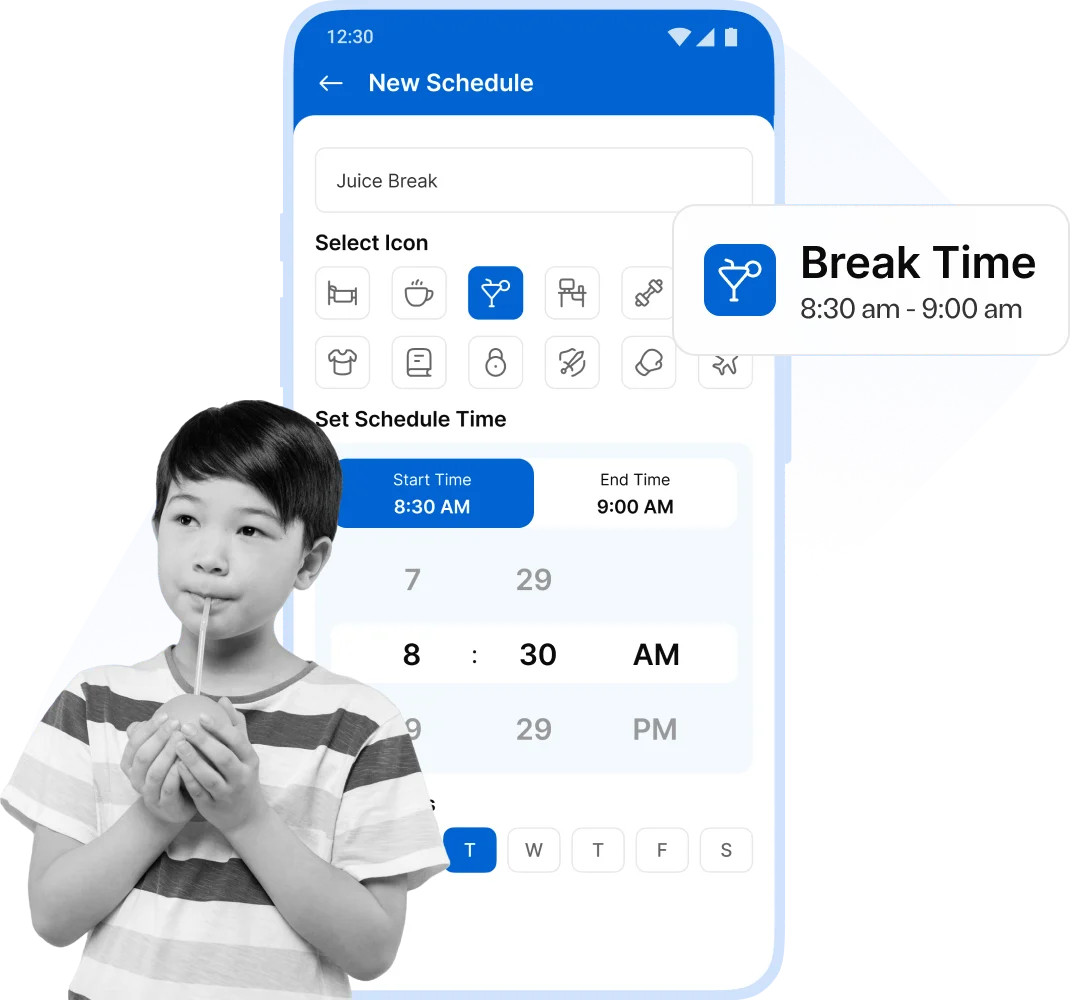
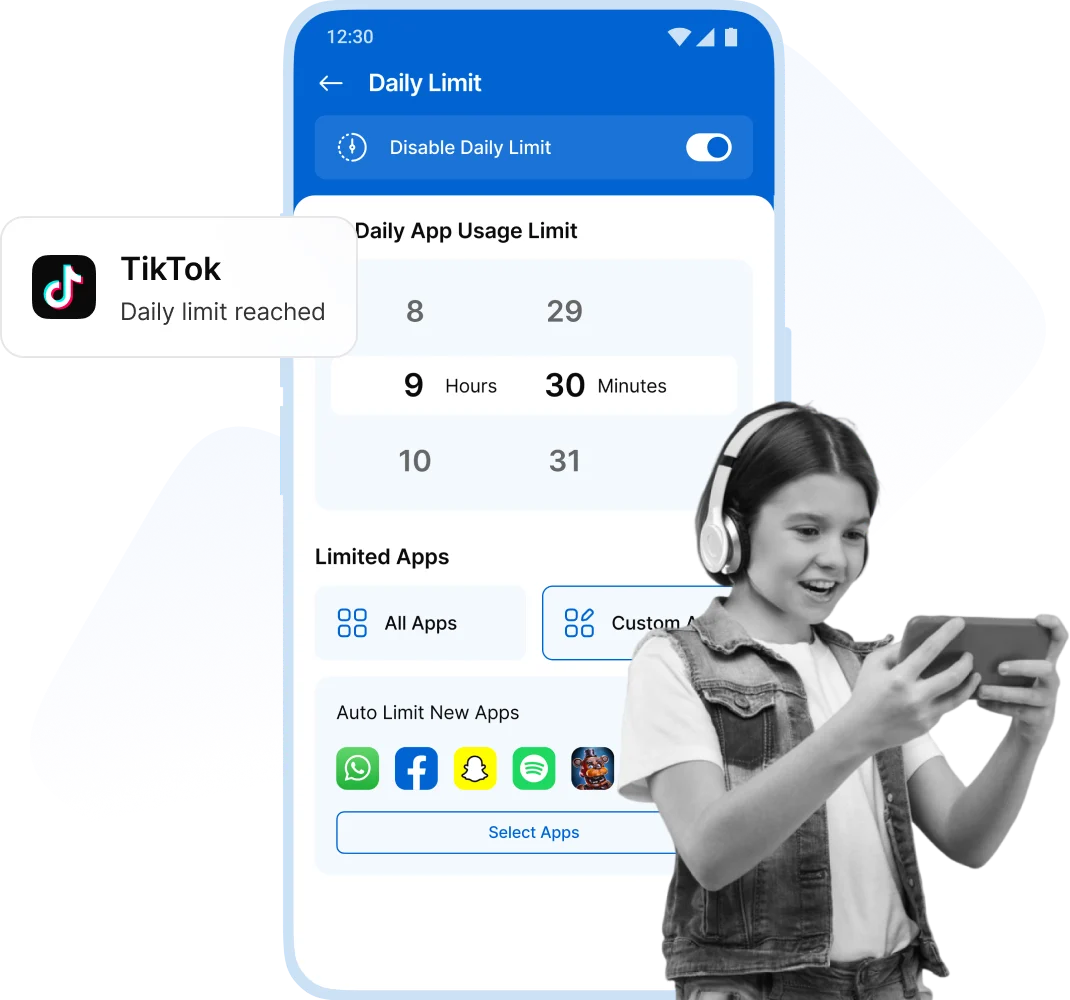
Support your child’s learning and development in a connected world, while staying confidently in control of their digital safety and screen habits.
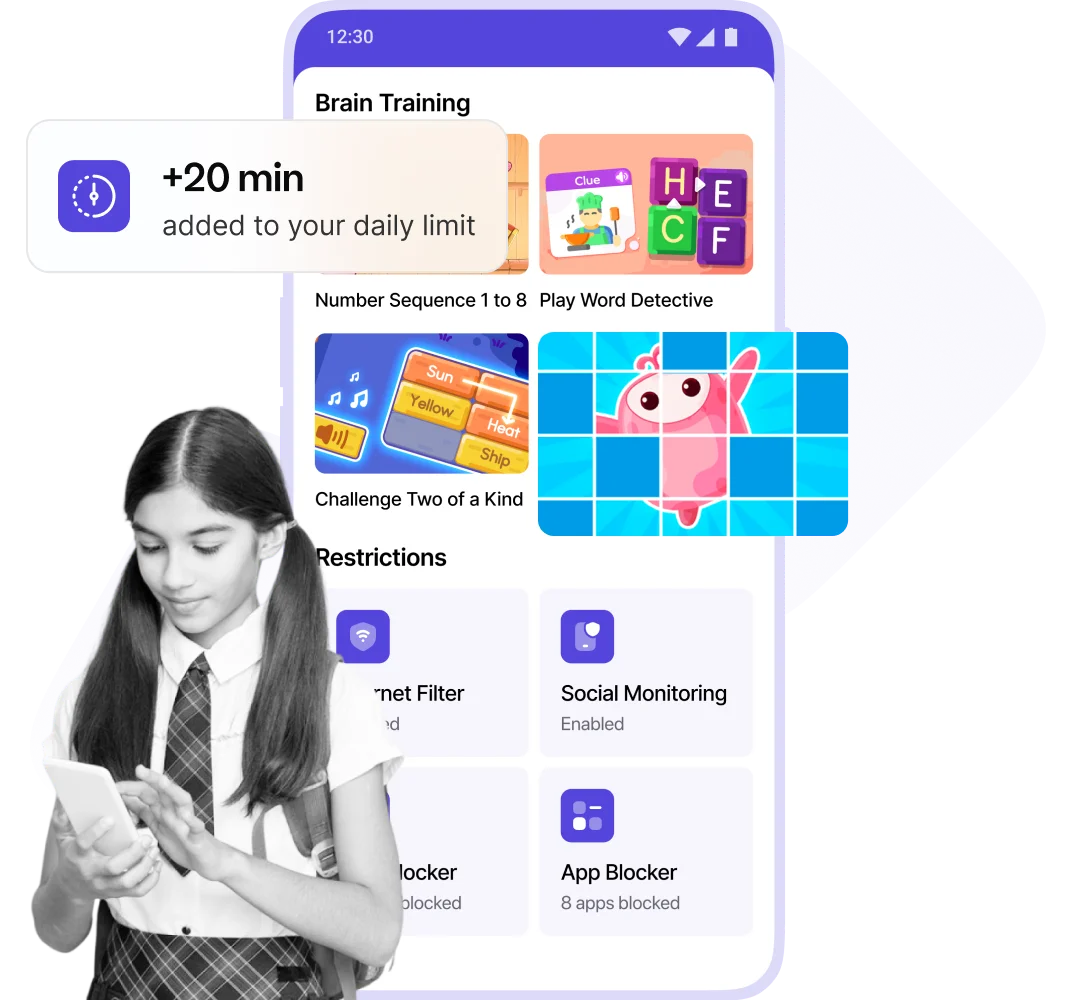
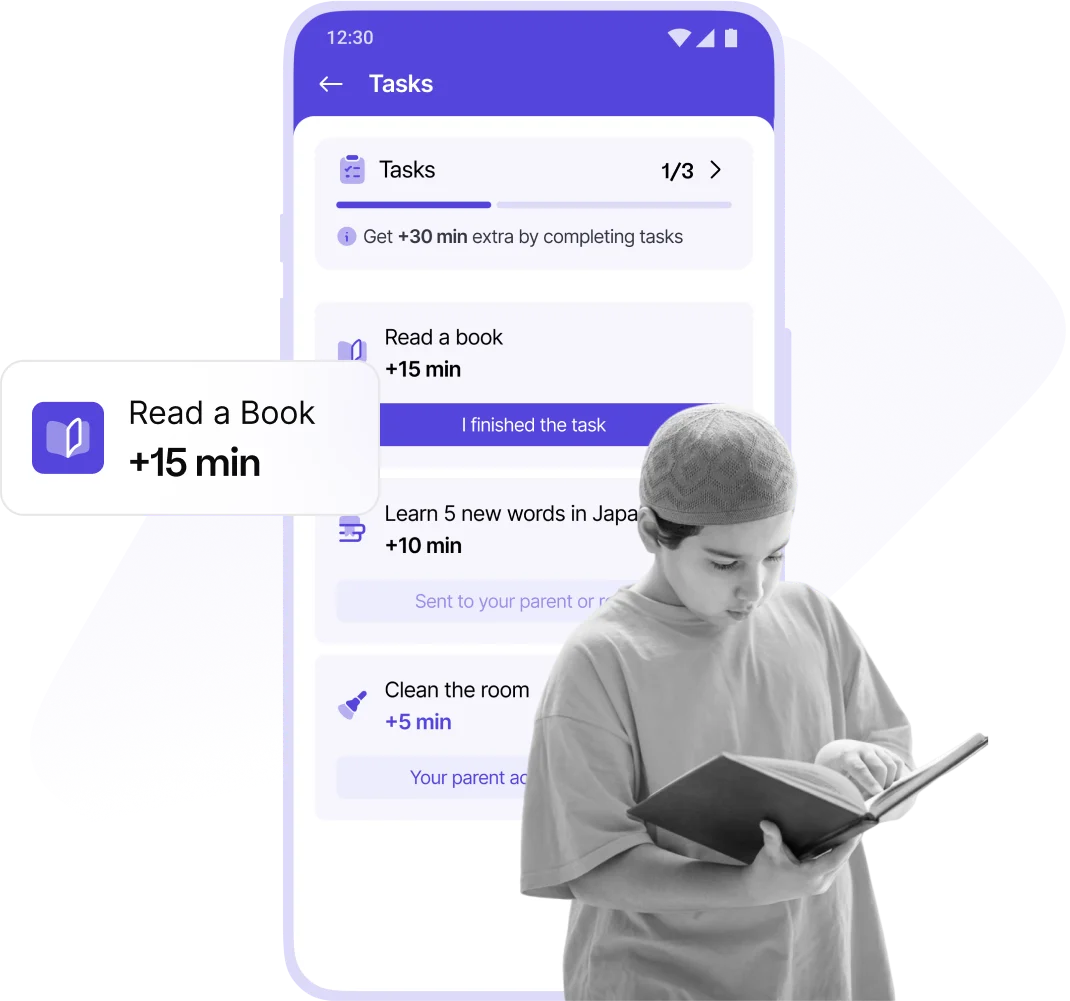
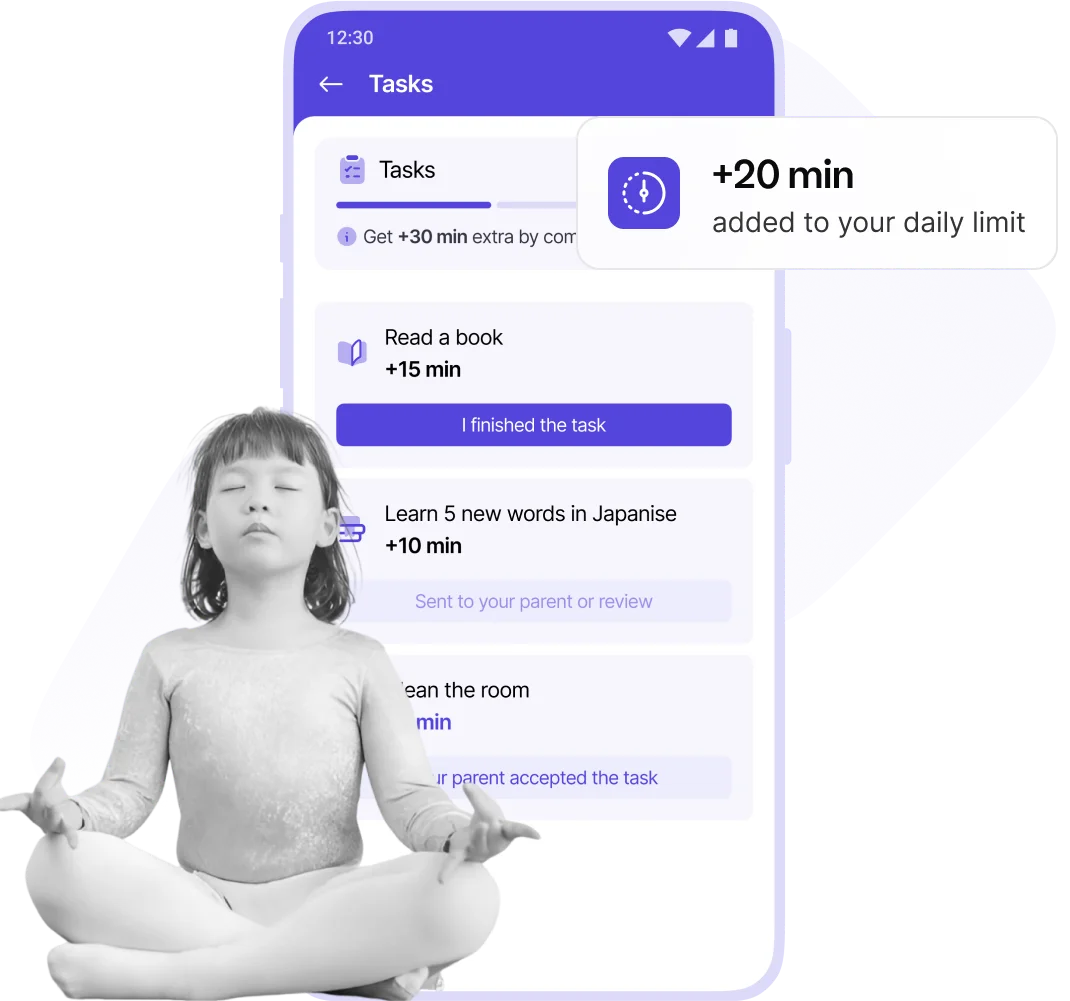

Kids can earn fun phone time by completing our exciting, brain development tasks!

Create fun tasks for your child and reward them with bonus phone time!

Complete exercise tasks to build muscle, boost aerobic health, strengthen bones, and earn extra screen time!

Empowering kids to earn screen time through learning, exercise, and responsibility for a healthy, balanced lifestyle.



Awesome app! My 5-year-old's iPad time is finally under control. Setting limits was quick and easy, and now there are no more arguments over cartoons! I highly recommend Kupola as the best iOS parental control app.

Fantastic app! We've been using the Kupola parental control app on android phones for a few months, and it's made a huge difference in managing screen time and motivating our kids. Thank you!
Awesome app! My 5-year-old's iPad time is finally under control. Setting limits was quick and easy, and now there are no more arguments over cartoons! I highly recommend Kupola as the best iOS parental control app.
Fantastic app! We've been using the Kupola parental control app on android phones for a few months, and it's made a huge difference in managing screen time and motivating our kids. Thank you!


Answers to the most common questions about how our app works and how it keeps your child safe.
It helps you set daily limits, monitor usage, and manage screen time for your child’s device.
Simply go to the kupola app and the screen time schedule feature allows you to set a daily limit for your child.
No, once the limit is reached, the kids will not be able to use their smartphone devices.
Yes, you can set different limits for weekdays and weekends within the app.
Kupola is free of cost. Just install and enjoy the screen time feature.
